
01
Setup in the Browser
Double-click the icon; everything else happens in the browser. The wizard asks about the level of detail, language, and access; without a desktop, the same questions are asked in the terminal.




Set up Claude properly once. Then keep it up to date on an ongoing basis.
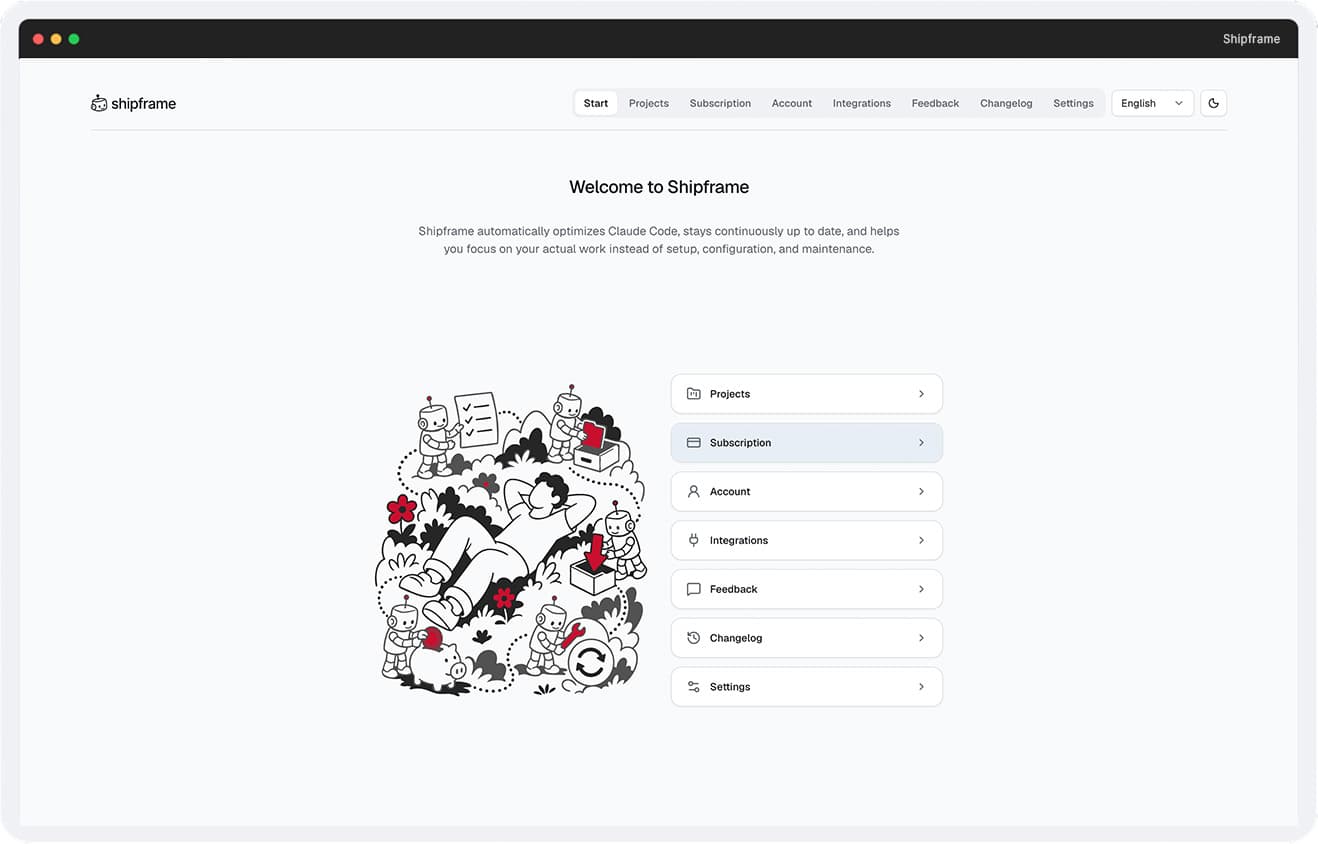
Anyone who uses Claude across multiple projects would otherwise have to reconfigure settings, access credentials, and work instructions over and over again. This takes time, increases the amount of context that needs to be managed, and leads to inconsistent work practices.
Shipframe establishes a common foundation for all projects. Roles, workflows, integrations, and security rules are preconfigured, while project knowledge is preserved. This allows Claude to get started on the actual task more quickly and reduces the need for unnecessary context.
01 / 03
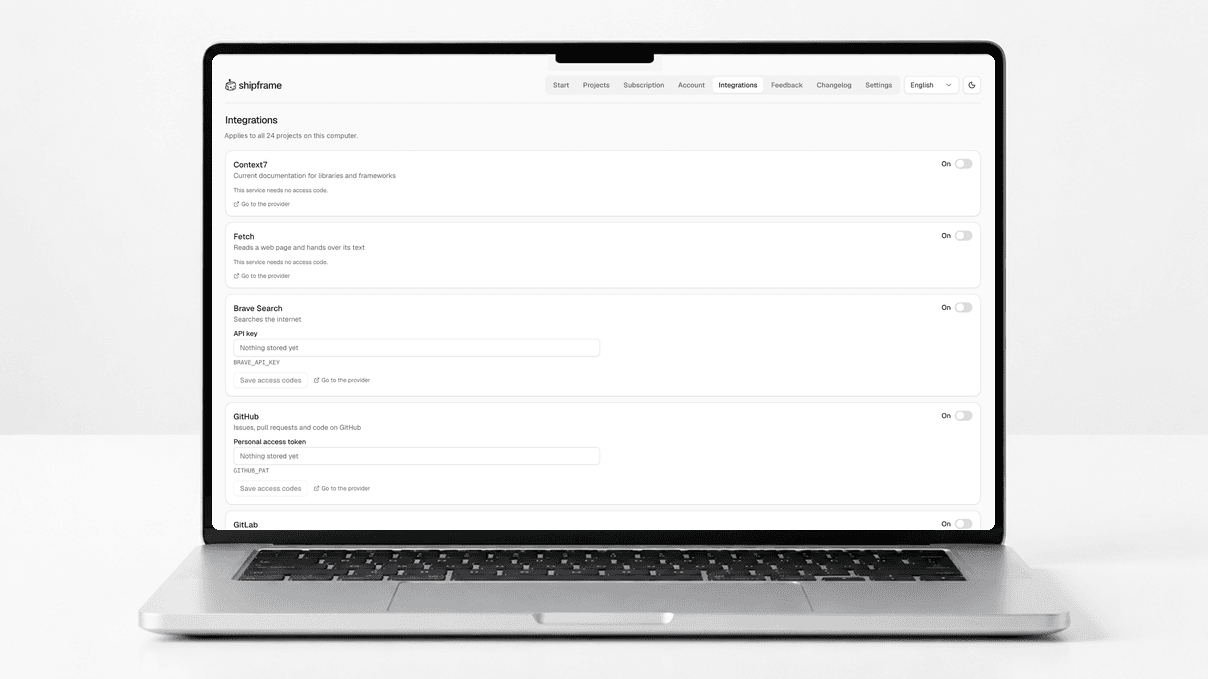
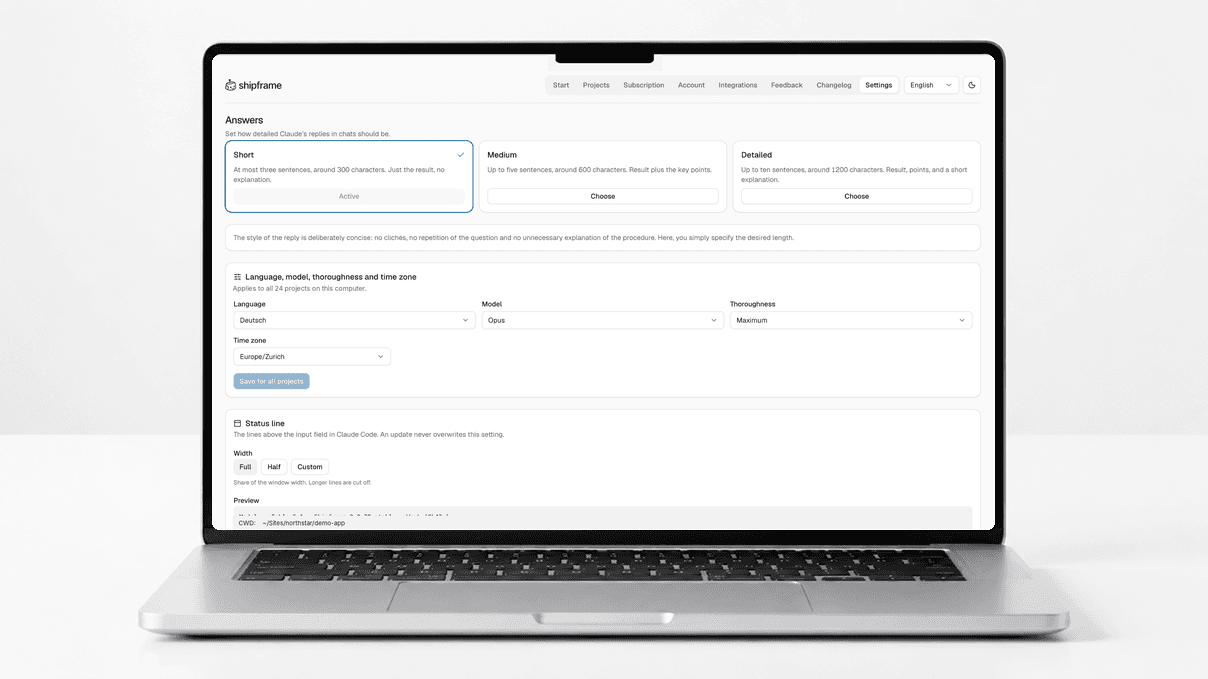
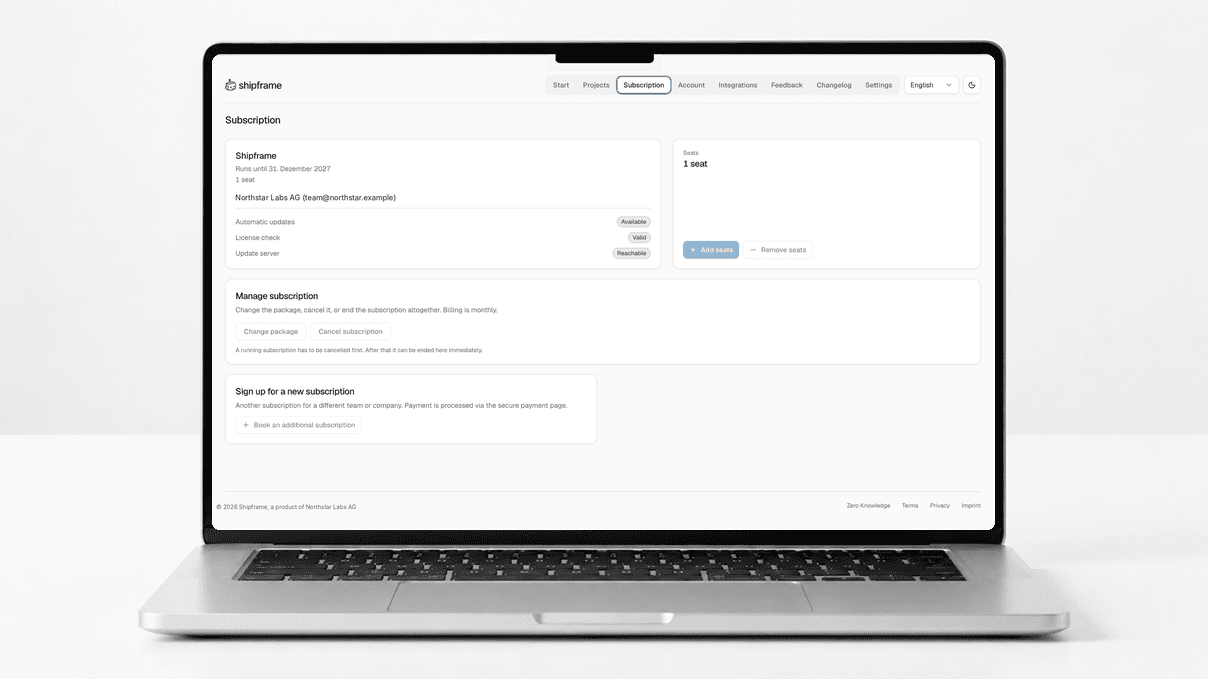
Double-click the icon; everything else happens in the browser. The wizard asks about the level of detail, language, and access; without a desktop, the same questions are asked in the terminal.
Decisions and outstanding issues are recorded as notes internally. Recurring matters are addressed from there, rather than being raised again.
The calculator and the project are separate steps; every change is previewed first. Replaced files are backed up beforehand, and your own files remain unaffected.
Backend, frontend, database, security, testing, debugging, research, and more. Each subtask is assigned to the appropriate role, rather than staying in the same thread.
Development, troubleshooting, migration, migration, research, and more. When planning, the appropriate one is selected: troubleshooting is handled differently than migration.
A command retrieves tasks from Jira, Asana, GitLab, or Notion and turns them into test cases, complete with documentation. Testing is performed against defined criteria in a real browser.
Jira, Confluence, Asana, GitLab, Notion, GitHub, Figma, and more. Each one is optional: if you don't have access to one, you simply won't use that service.
A file in the project specifies what can be done without further consultation and what is prohibited. Larger tasks are planned and approved, and approval is always given by a person.
Even files you've modified yourself are skipped during the update. A full backup is performed beforehand, and a single command can undo the update.
Only the license, email address, and version are transferred, and only when you initiate the update yourself. No project names, no paths, nothing in the background.
Licenses, seats, and account information are available in the customer portal. A seat is assigned to a person, not a device: multiple computers are supported.
Download the package from the customer portal, unzip it, and run the installer once. After that, just double-click the icon.
89 CHF per person per month, cancellable monthly, basic setup included. For teams of five or more; additional seats can be added at any time. Access to Claude Code is provided by Anthropic and billed through them.
The customer service department speaks German, English, French, and Italian. Payments are processed in Swiss francs or euros, with no currency conversion.
«Shipframe has changed the way I develop Steadly. Multiple agents handle larger tasks in a single run. A good programming assistant becomes a scalable workflow.»